A logic analyzer in Pickit2

I was debugging IR protocol RC5 and was regretting again and again that I still don’t have a scope at home or at least some small handy logic analyzer. All of a sudden I found the interesting item in the tool menu of Pickit2 software:

I completely forgot that the tool has a couple of useful items – uart, the logic analyzer, some kind of the debugger tool.

Continue reading
Running the local wordpress on the docker

The post-instruction me not forget the pain and the flow I used for it.

So I’ve heard recently about the docker and I really liked the idea to have a self-container with basically anything you want to run and test. Why I was thinking about it? Because I always was afraid of what will happen if my provider will kick me off the hosting and will I be able to move my backups to a new server with minimum effort and pain.

A long time ago, I tried to create a local server with a lot of crap settled on my pc. It worked out, but I really did not like the way how I was doing this. The idea to have it in a single self-contained place where I can (theoretically) easily move it to another server with docker running without any struggle seems way more attractive.

Continue reading

Menu for the audio amplifier

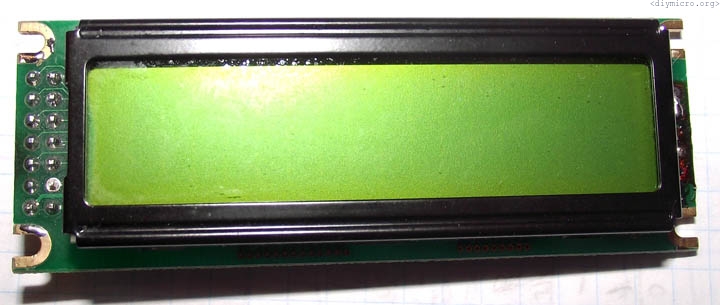
Describing my struggles with a menu for my home small project – an audio amplifier. The main challenge is that we have just 3 buttons (the encoder), and two of them are actually not buttons but rotation directions.

First of all, I drafted a block diagram with the logic of the operation (right-left is a rotation direction, down – the button is pressed).

Continue reading

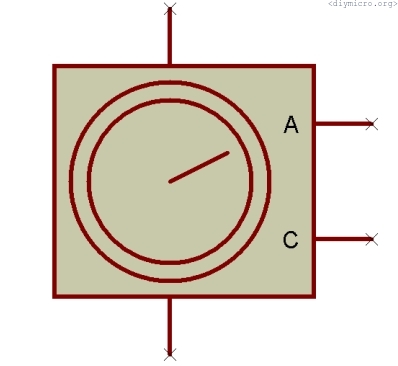
The hierarchical model of the encoder in Proteus

Sometimes the cleanest way to design a nice readable schematic in Proteus is to create a separate model with its own graphical symbol with pins attached to this model, not the fastest way but a kind of proper approach within a normal working process.

I was interested in the encoder as you may know, which is not available in the standard proteus component library, starting from a simple drawing of the symbol I would like to use at higher levels:

Continue reading

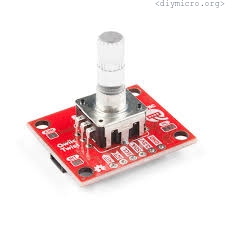
Pic Lab, PIC16, Experiment #20, The encoder

I needed to get my hands on the encoder, so I started to explore things around it.

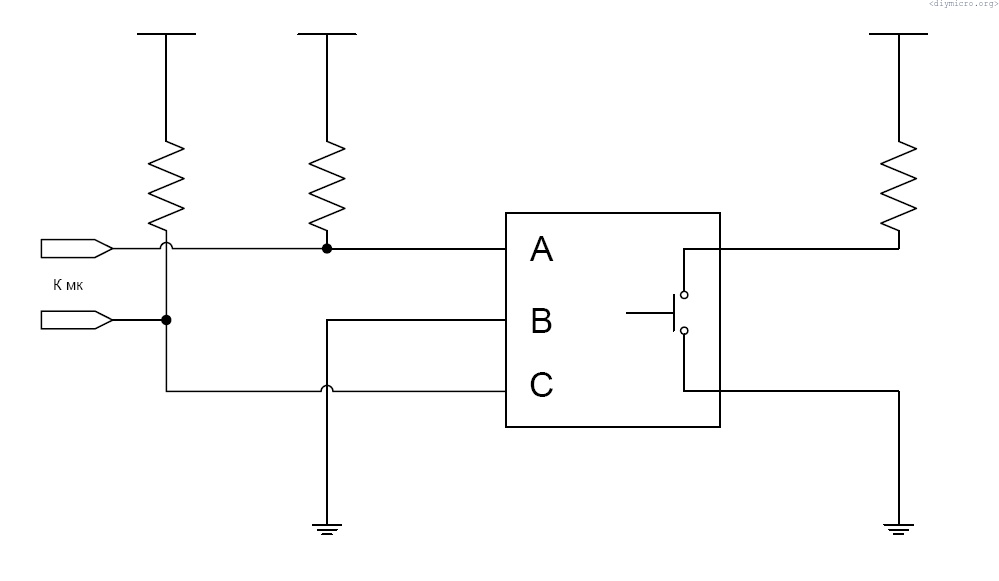
First of all, what is the encoder? This is a thing that helps to convert the rotation angle and a direction of rotation to some numbers we can use for our further advance.

Usually, the encoder has three terminals, to connect it I have used the following circuit:

All resistors have a nominal equal to 4.7KOhm.

Continue reading

USB to RS-232 – FT232RL

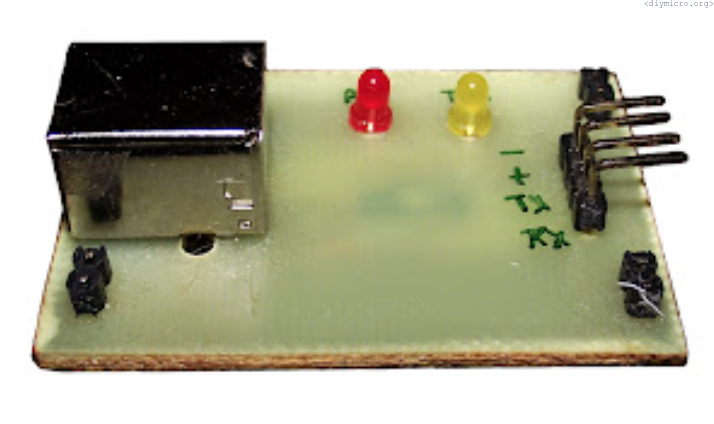
There are tons of articles out there, but I decided to make my own device at the moment:

I had thoughts to make such a device long ago, but at this point of time, the necessity of having this stuff increased significantly. Initially, I found a cheap CP2102 IC, it was cheaper than the huge FT232RL, which has a lot of redundant for me functions. Then I went shopping (here I’m talking about Belarus like 8 years ago) and realized that for us CP2102 is more expensive than FT232RL. Well, my choice was kind of obvious.

Continue reading

Pic Lab, PIC16, Experiment #19, The WIN QT application for COM port

In a previous experiment, I made an application (well borrowed) with help of C++ Builder, but I really did not enjoy/like it much. So, I was exploring the web again and found an article.  It was much more logical and simple to me, so I decided to give it a shot.

Firstly, we need the Qt SDK. Then we should take sources from here: qt.gitorious.org/qt/qt/trees/4.7/src/corelib/kernel files qwineventnotifier_p.h and qwineventnotifier_p.cpp and place them QtSDKDesktopQt4.7.4mingwincludeQtCoreprivate

Also, download the library dedicated to working with a COM port. Good enough, now we are prepared.

Continue reading